

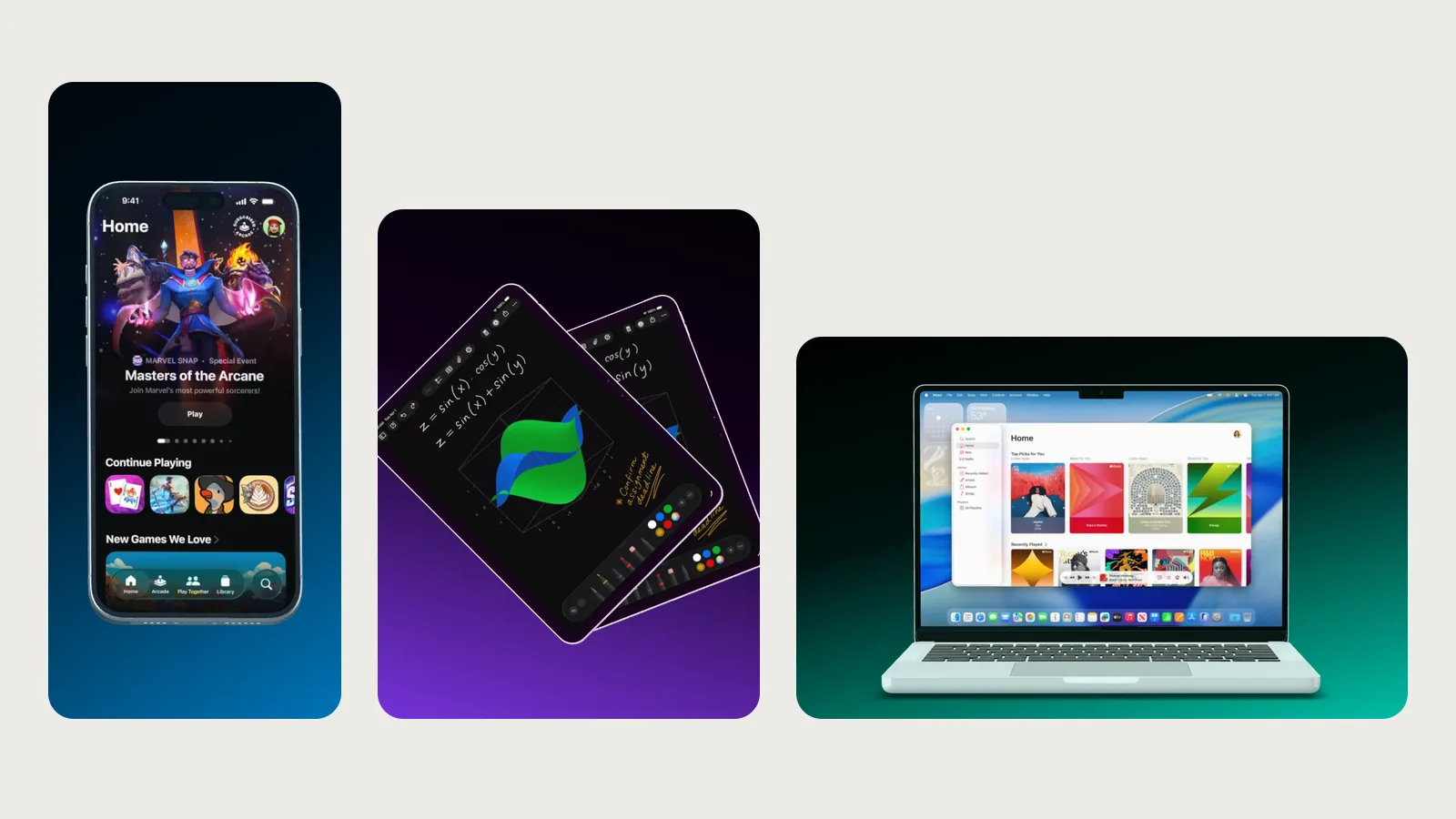
App Store screenshot sizes 2026: every size for iPhone, iPad, Mac and Google Play
Which sizes App Store Connect and the Play Console accept in 2026, which ones are required and how to export them with Showoff.
From our blog
Which sizes App Store Connect and the Play Console accept in 2026, which ones are required and how to export them with Showoff.
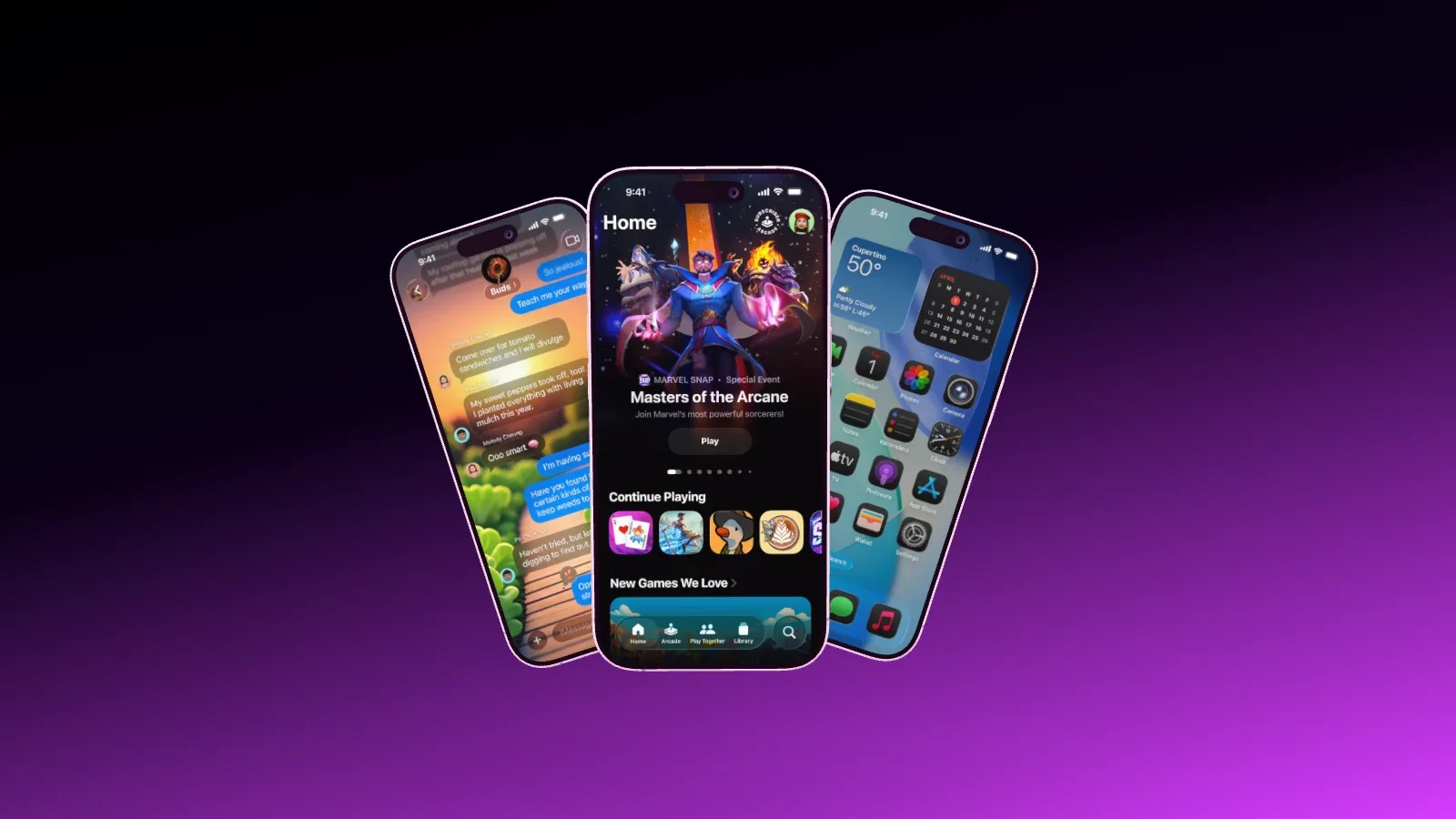
Showoff is an MCP server. Here is how to connect your AI, get your screenshots in and receive finished App Store images, checked the way an art director would.
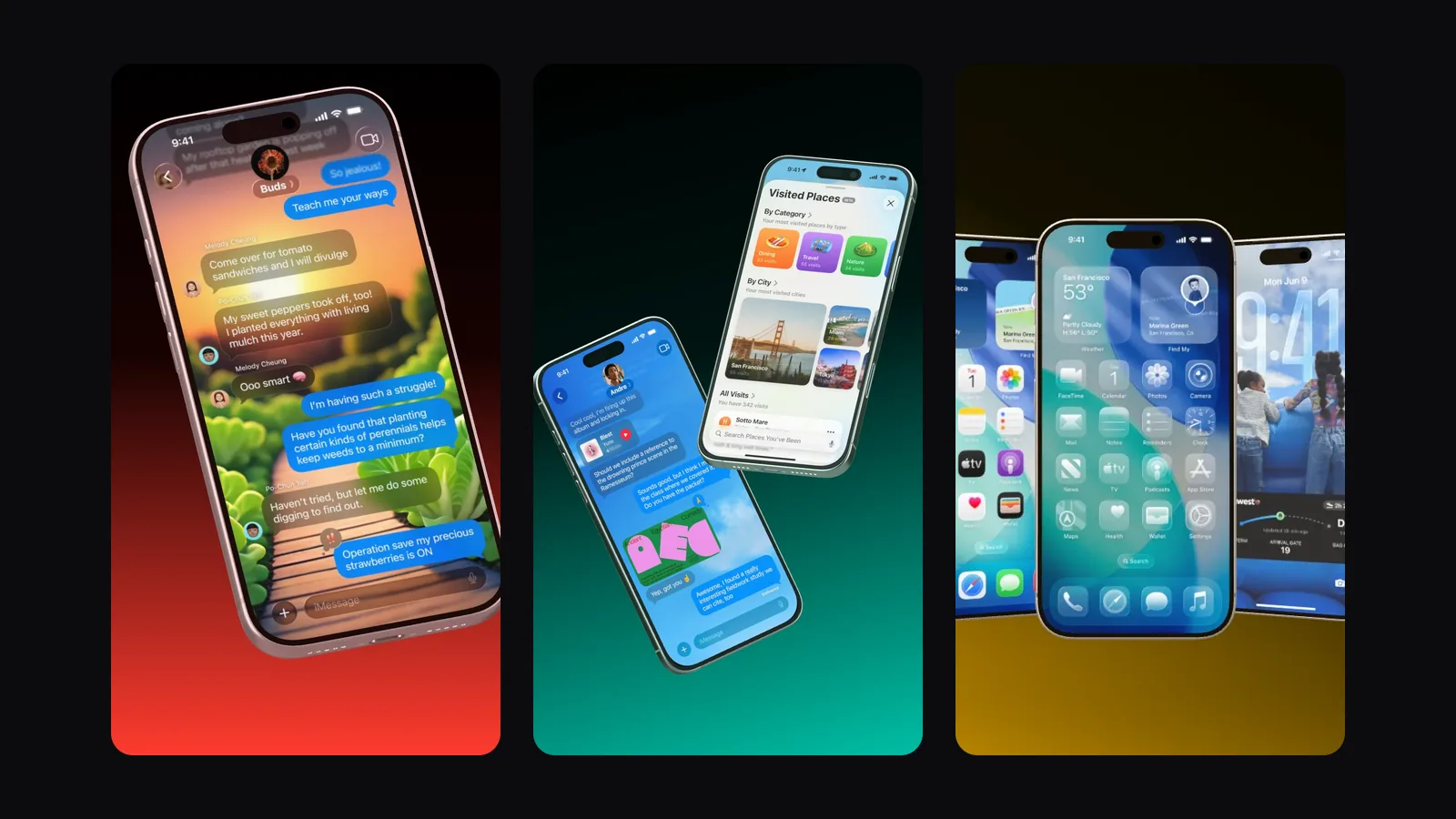
Your AI builds a launch video in Showoff from your screenshots, cut to your song. What to prepare, how to ask for it and how it becomes an MP4.
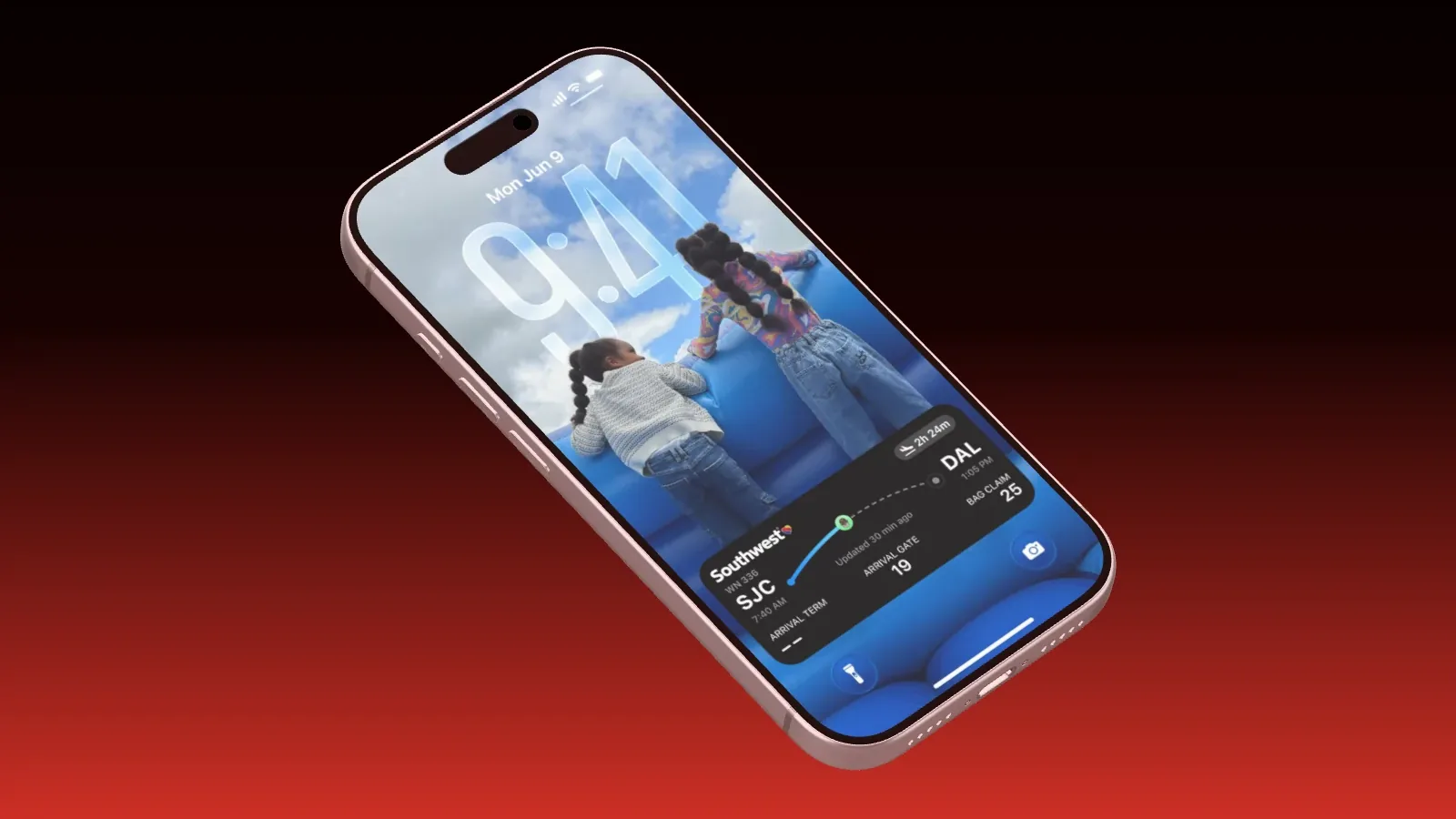
An iPhone 17 Pro as a real 3D model with your screenshot on the display, exported without a watermark. What Free covers, what Pro adds and how to get to an image in a few minutes.
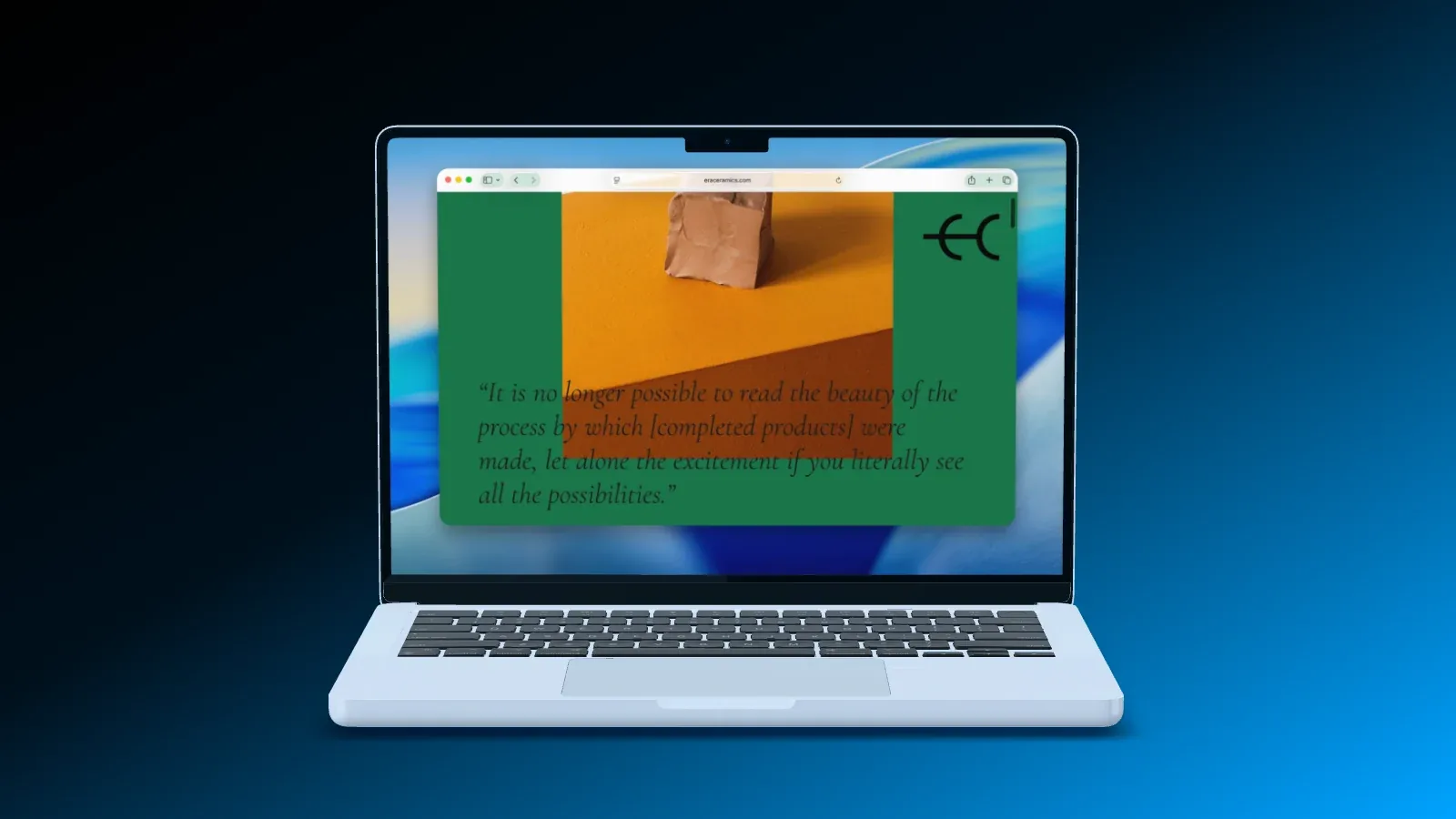
A screenshot of your website keeps its full width on the MacBook and starts at the top below the menu bar. Add Safari, Chrome or Arc, the Dock, light or dark, or record your tab right away.
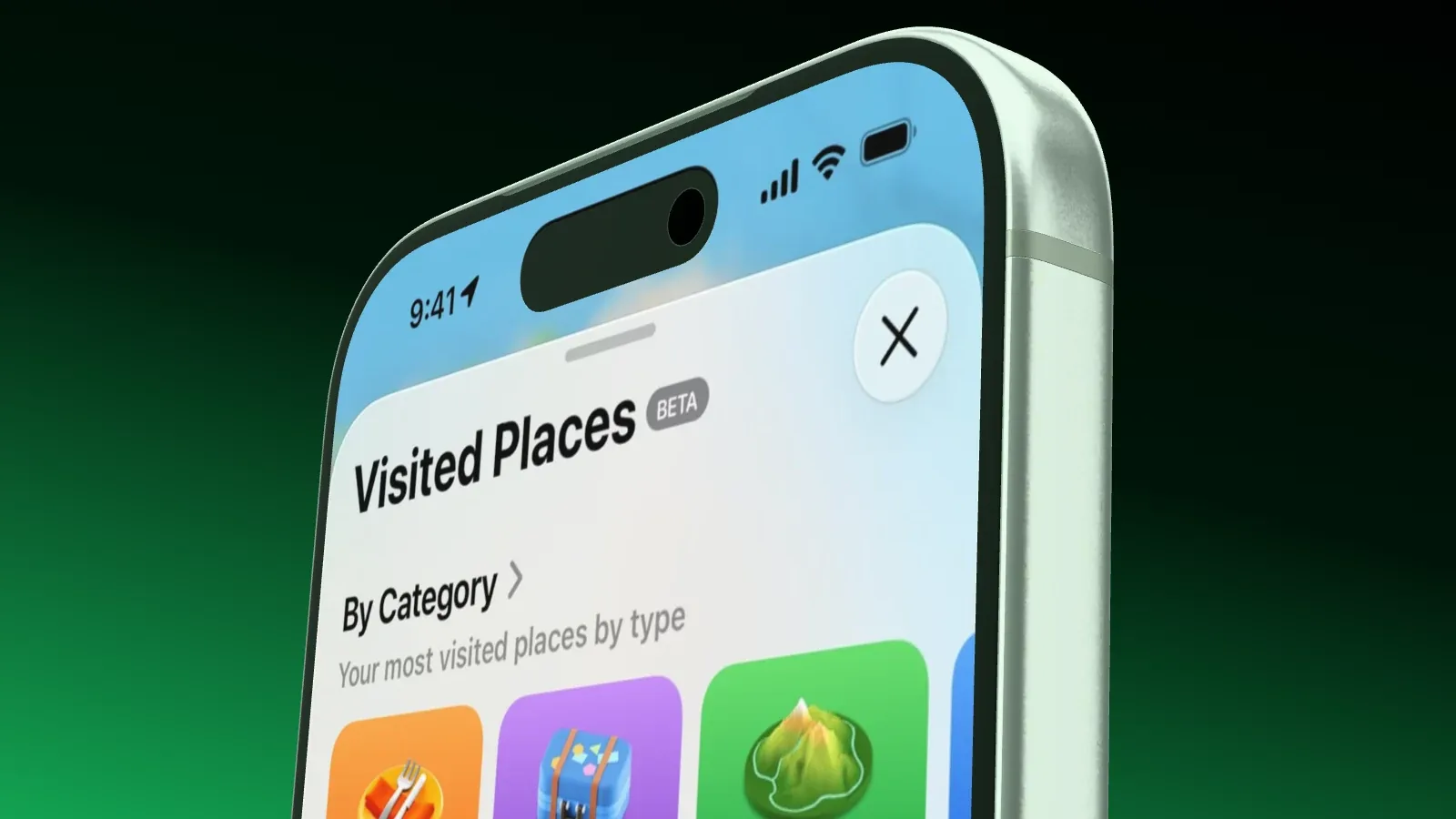
Yesterday’s time and a half-empty battery don’t belong in a product shot. Showoff replaces the status bar with one switch, and in the simulator and the emulator you can also get it clean yourself.
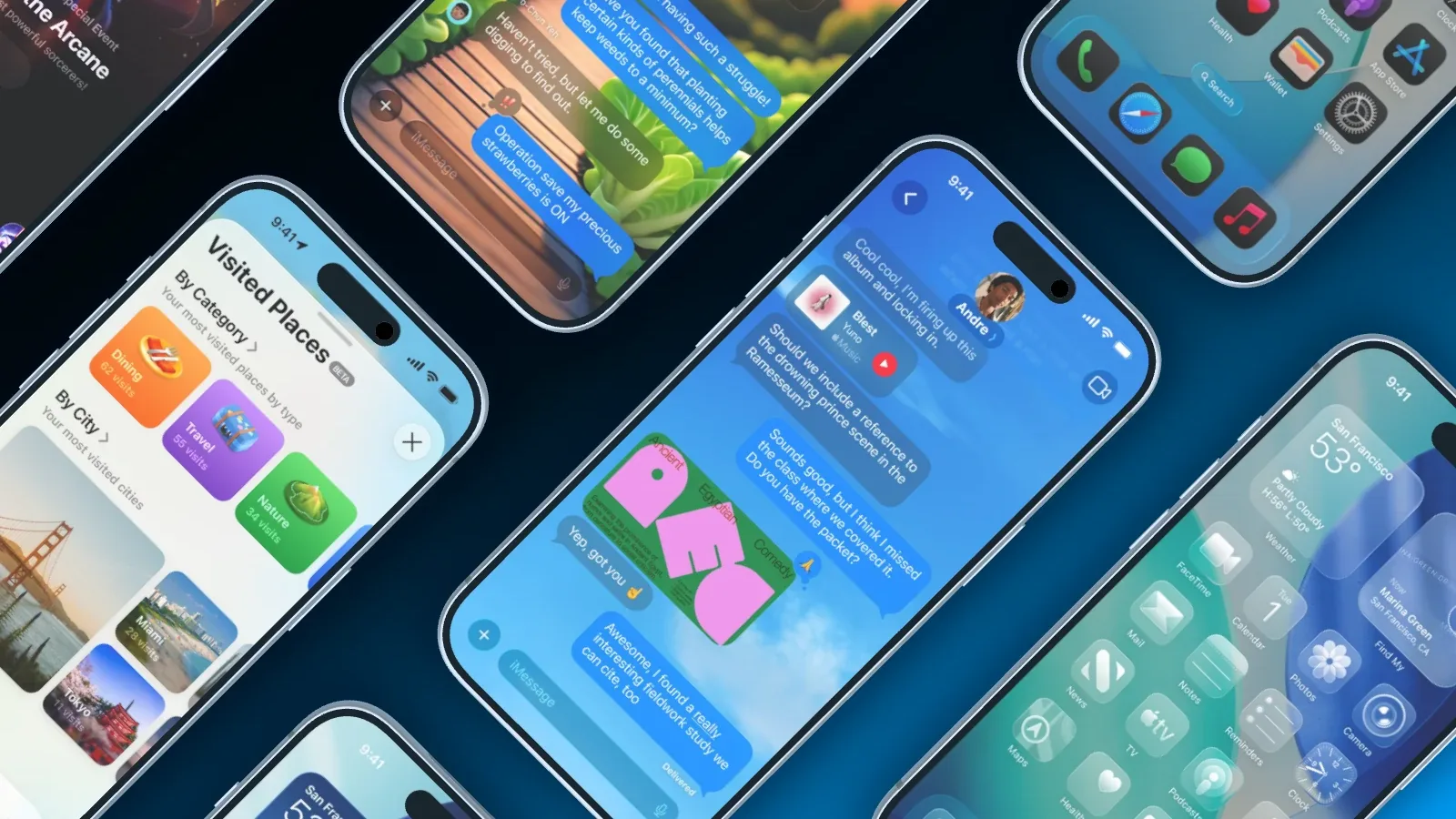
After every release your mockups are out of date. With Claude Code and Showoff you capture new screenshots, swap them into your projects and export everything again, with one request in the terminal.
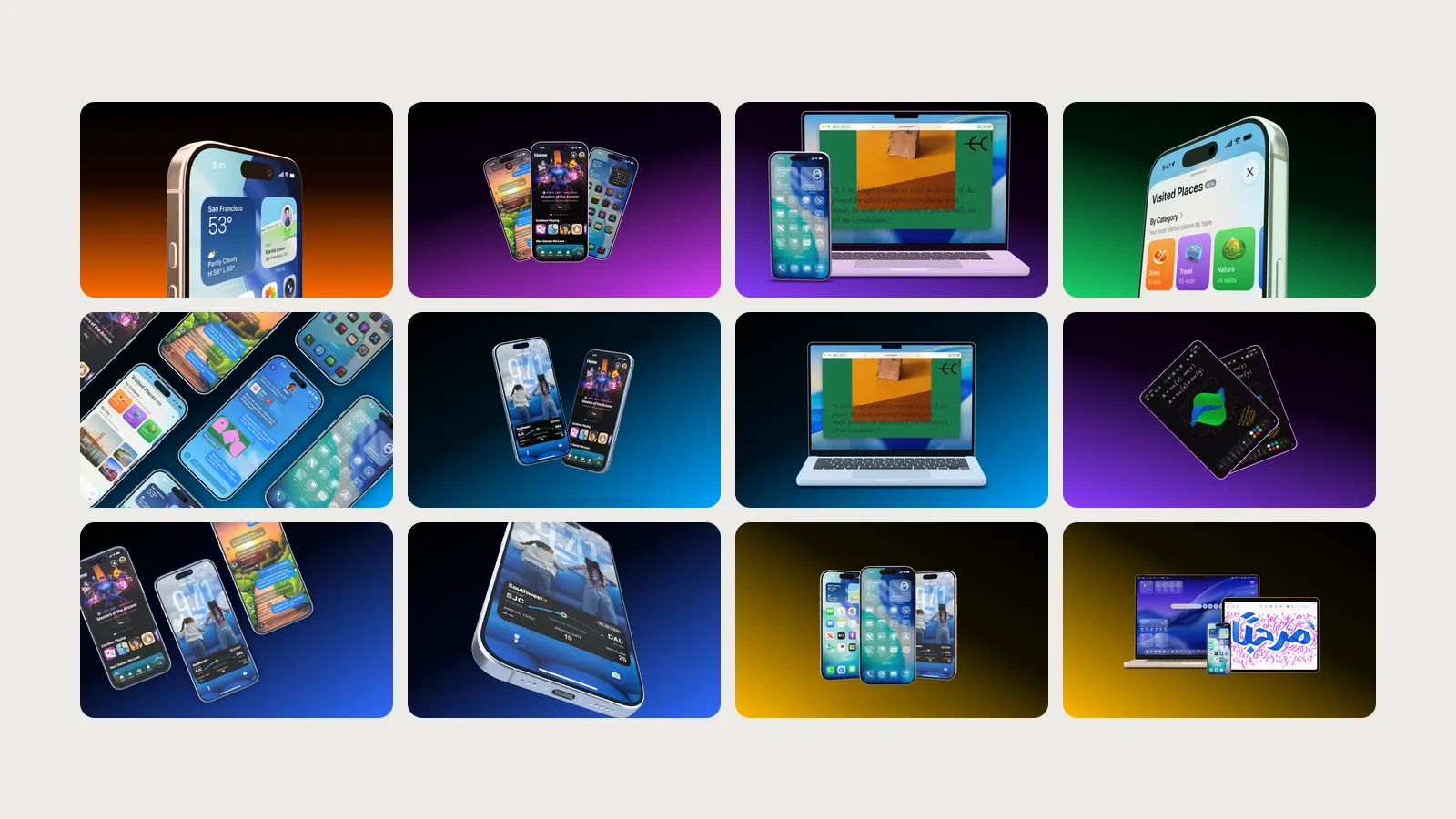
One phone for the first store image, three for an overview, a MacBook for the web app, an animation for the Reel. Which Showoff template fits which job.
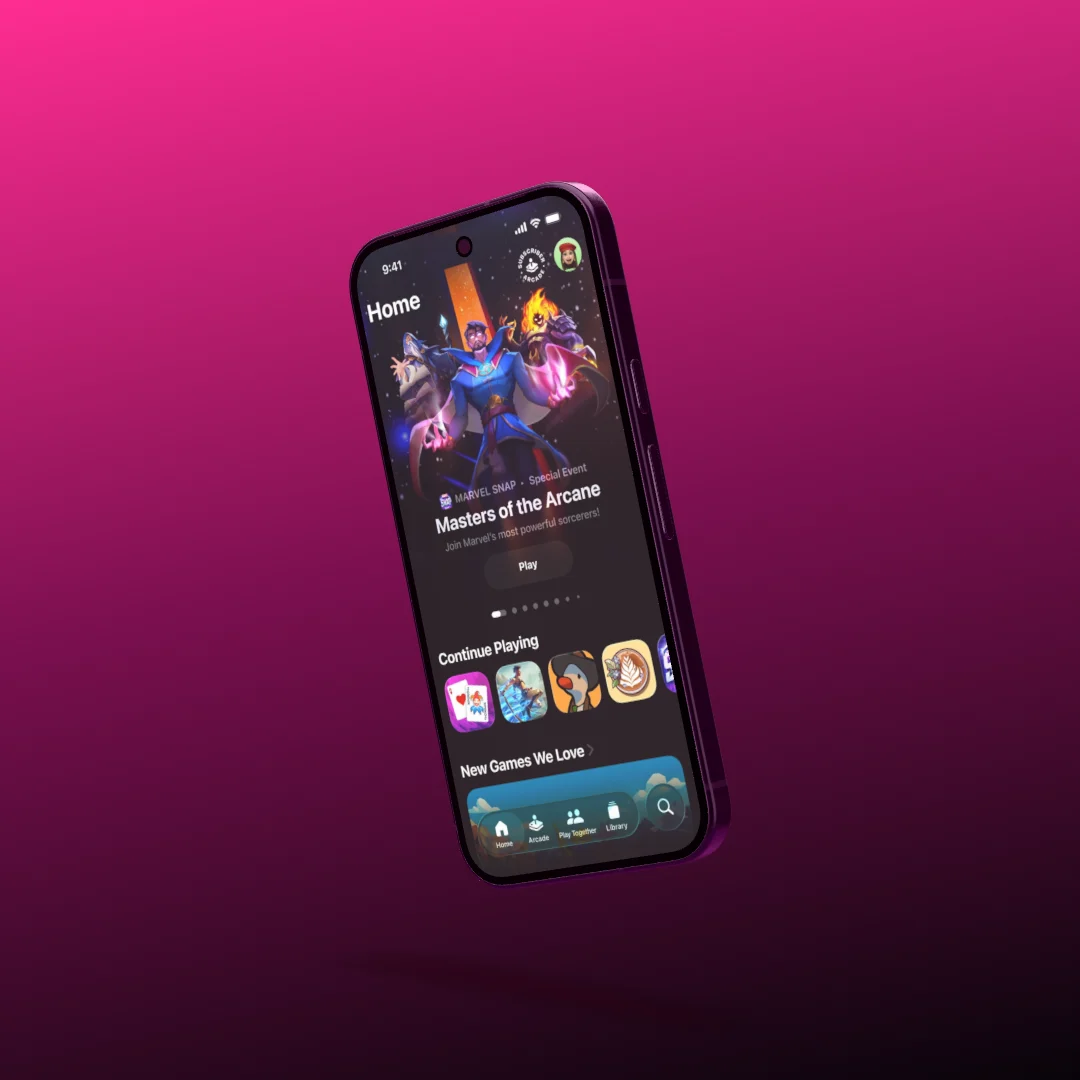
Fly the device in, move the camera to the parts that matter, add music, export as MP4. How to build a 10 to 20 second launch clip — and a seamless loop for your website and social.
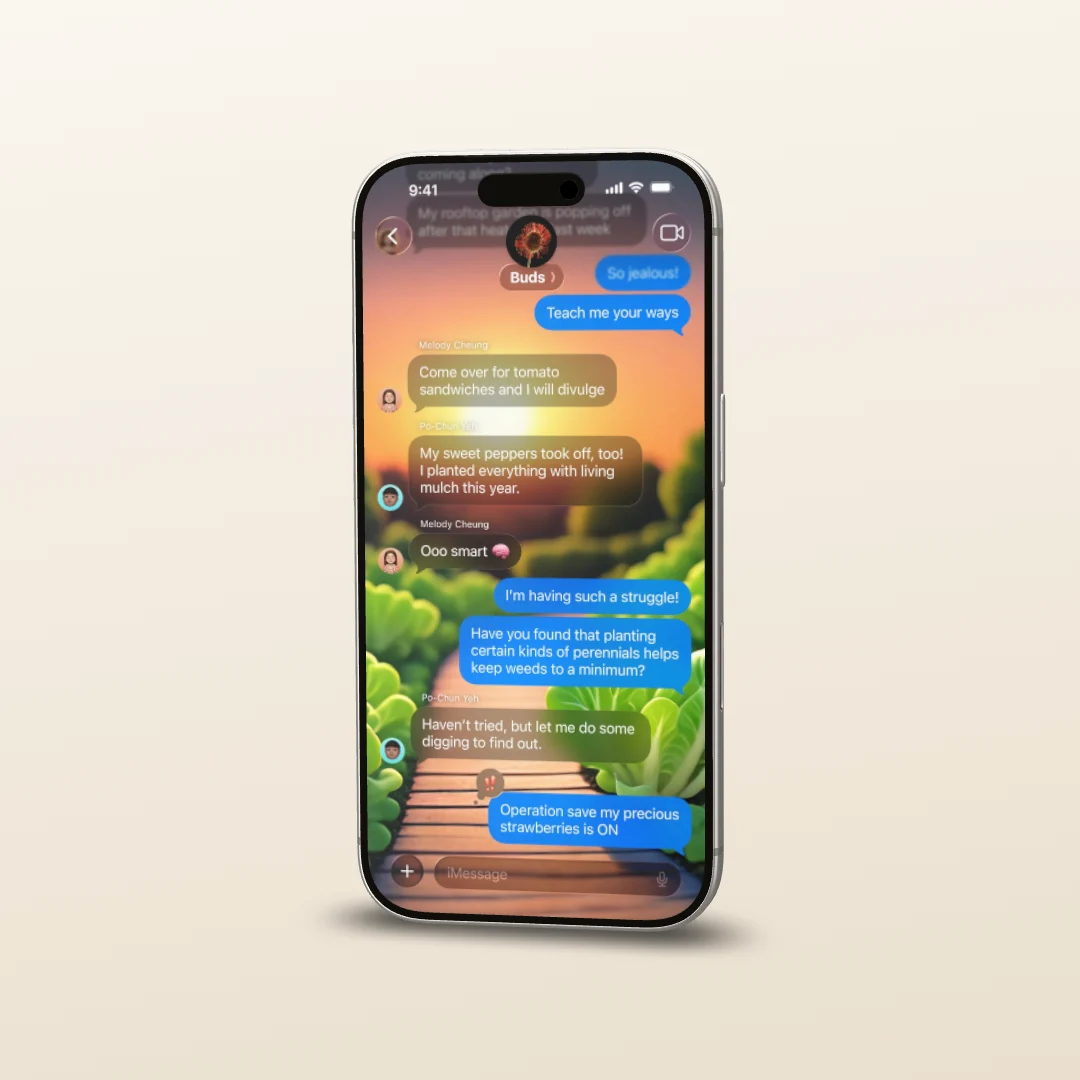
Which formats the App Store and Google Play ask for, and how a 3D device, proper lighting and a good camera turn your screenshots into store images that look like a studio shoot.