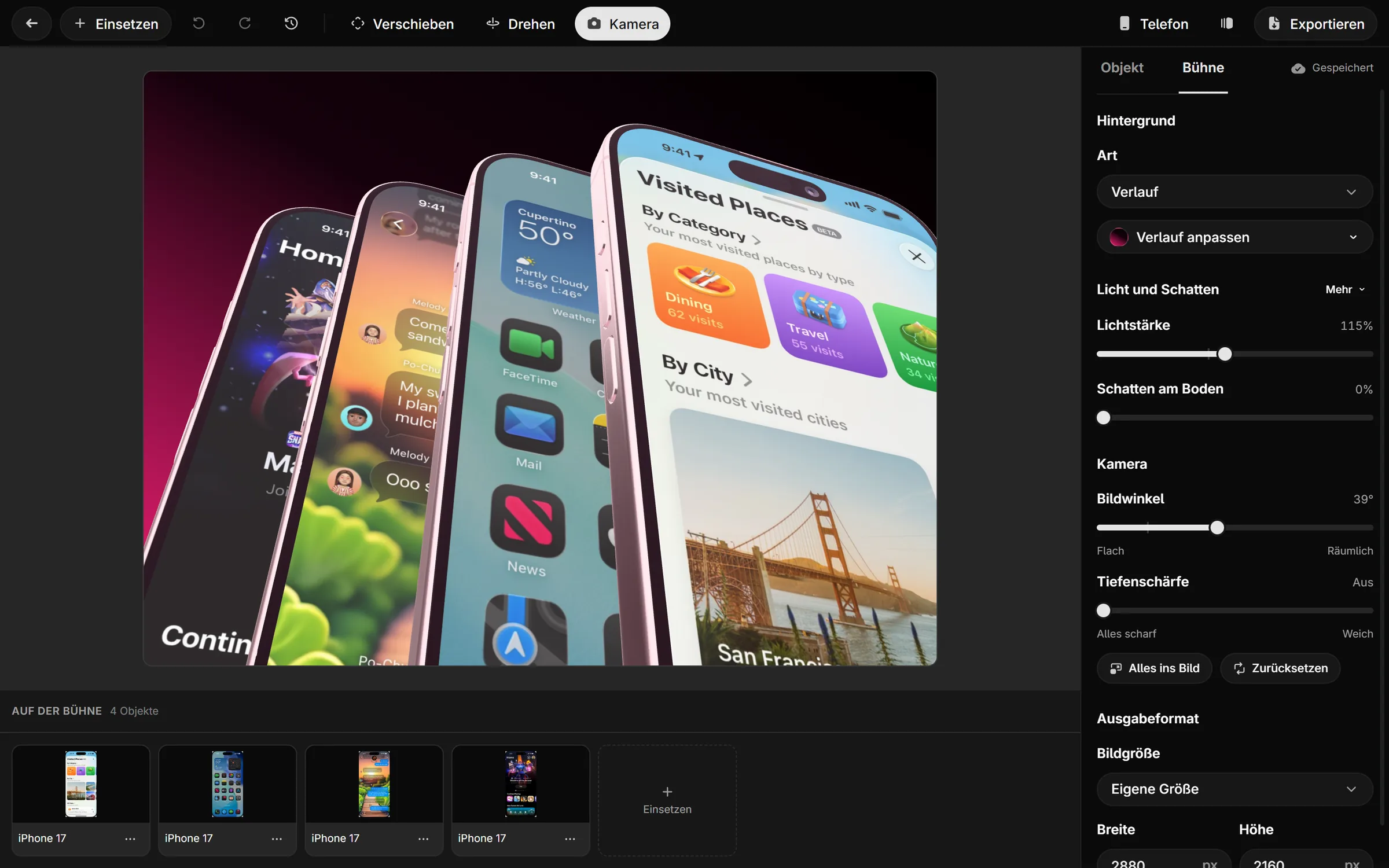
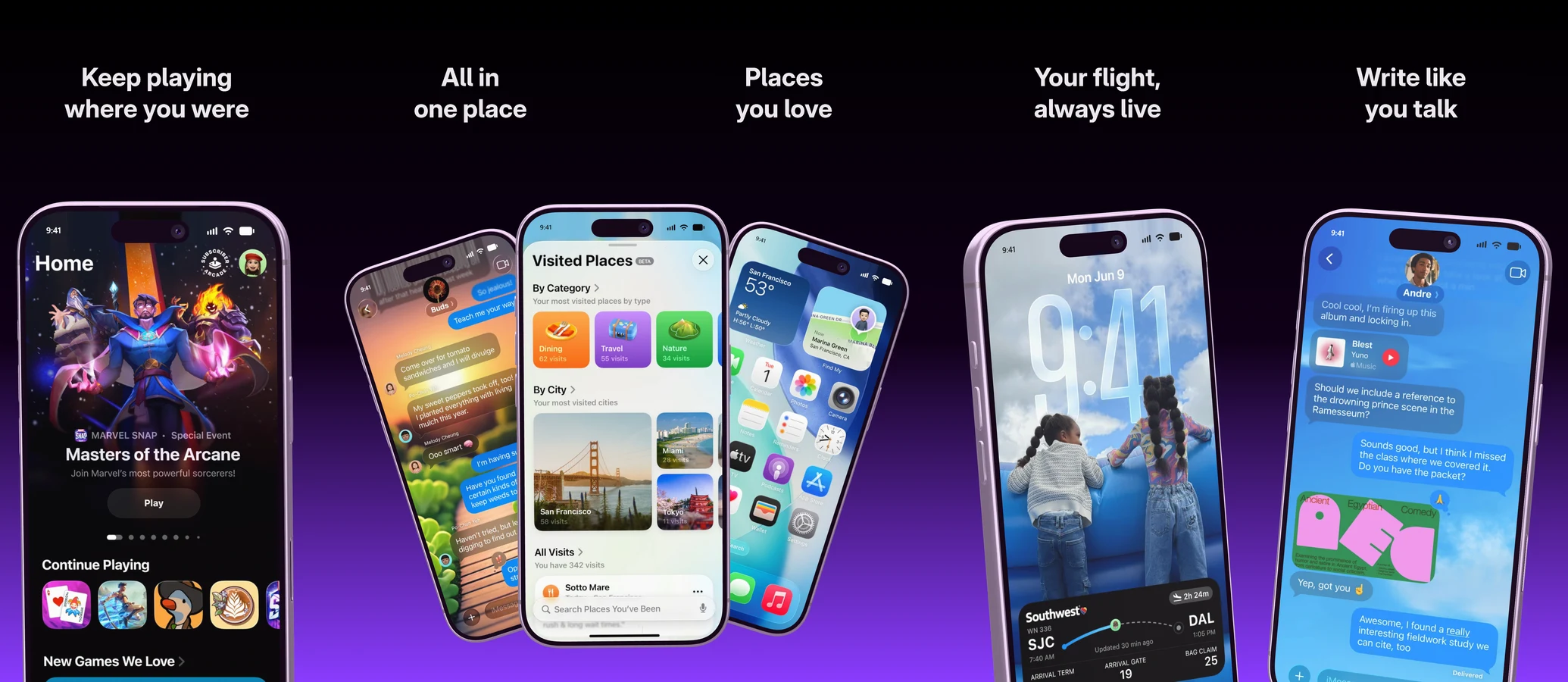
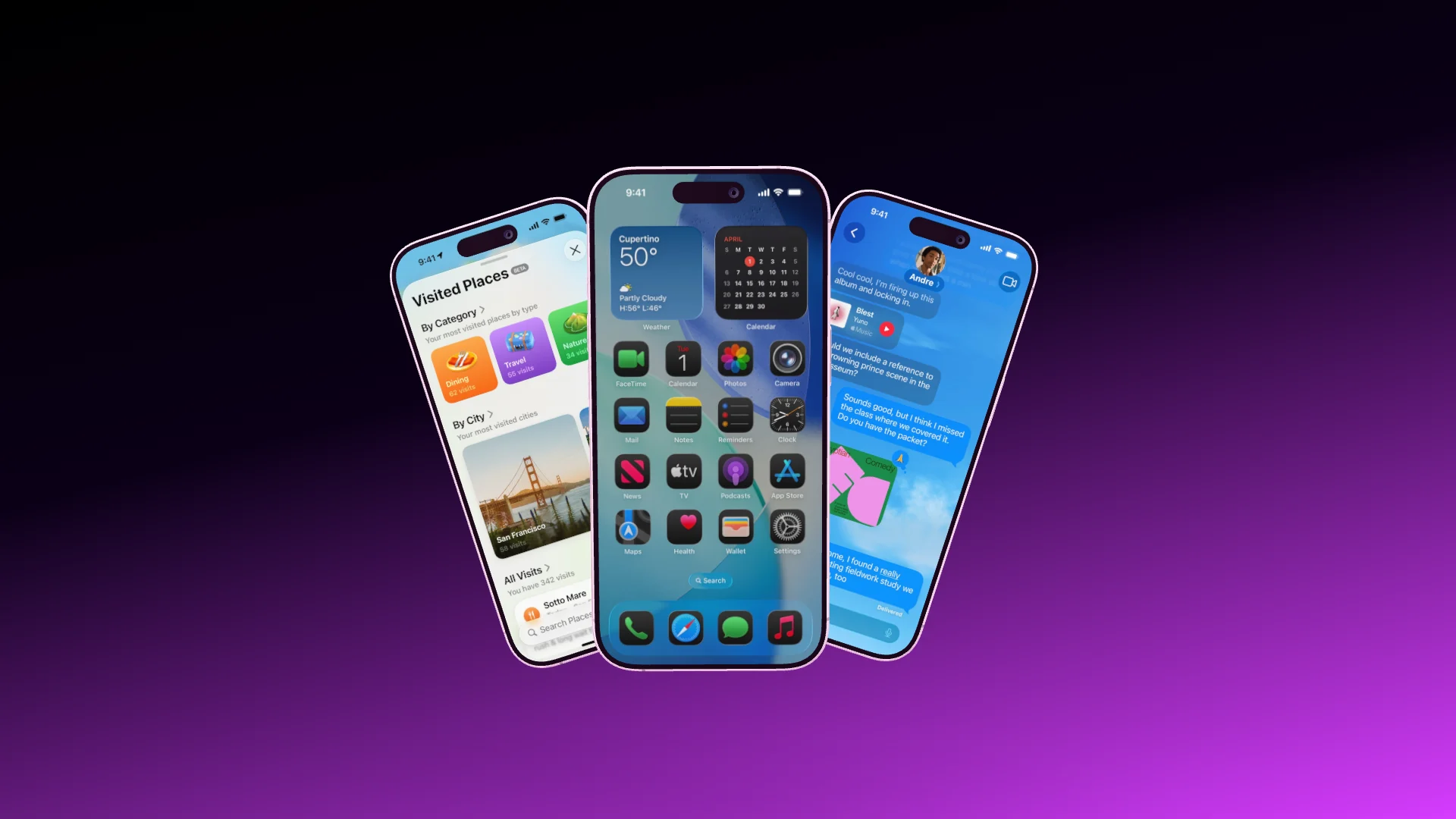
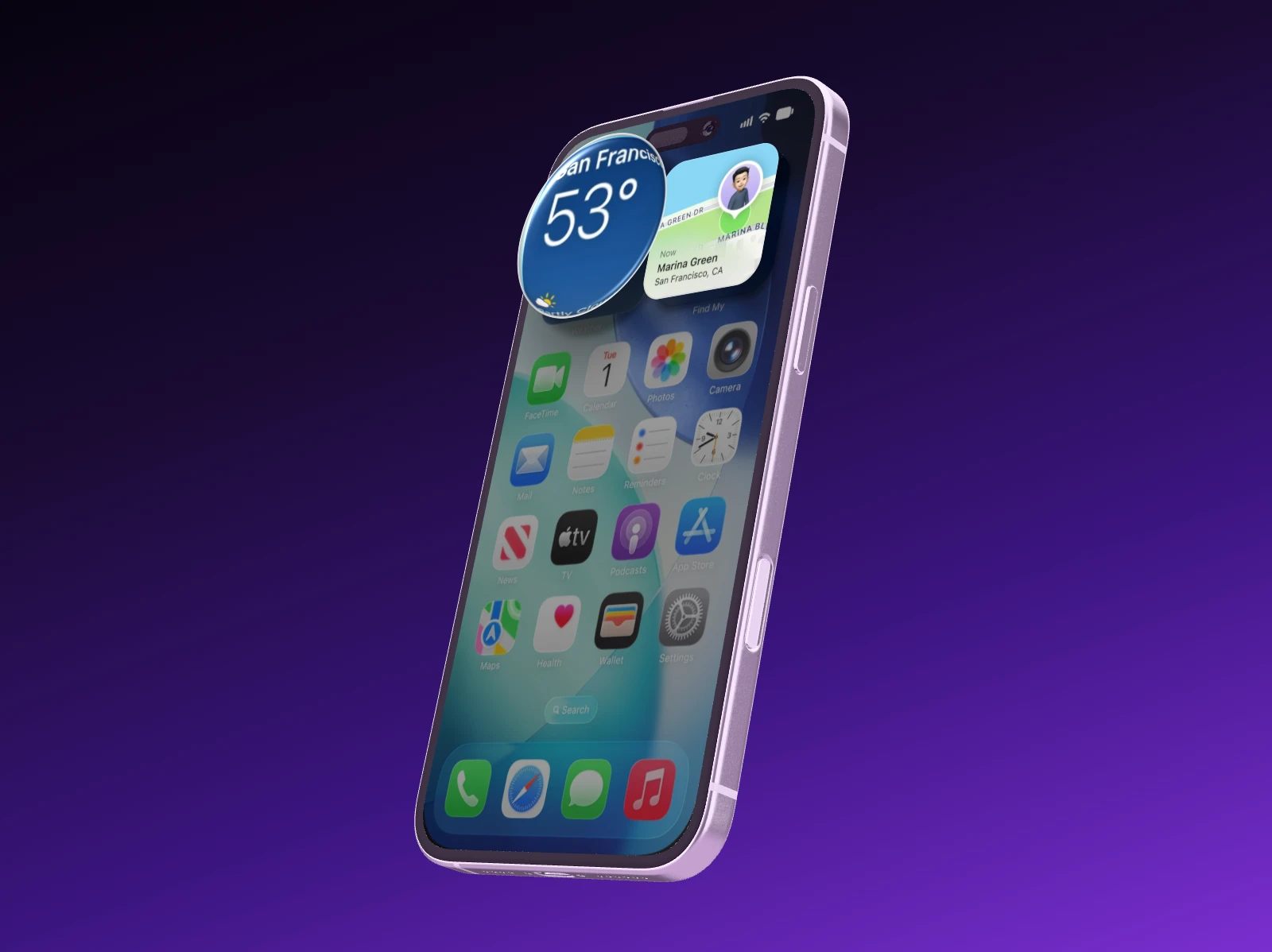
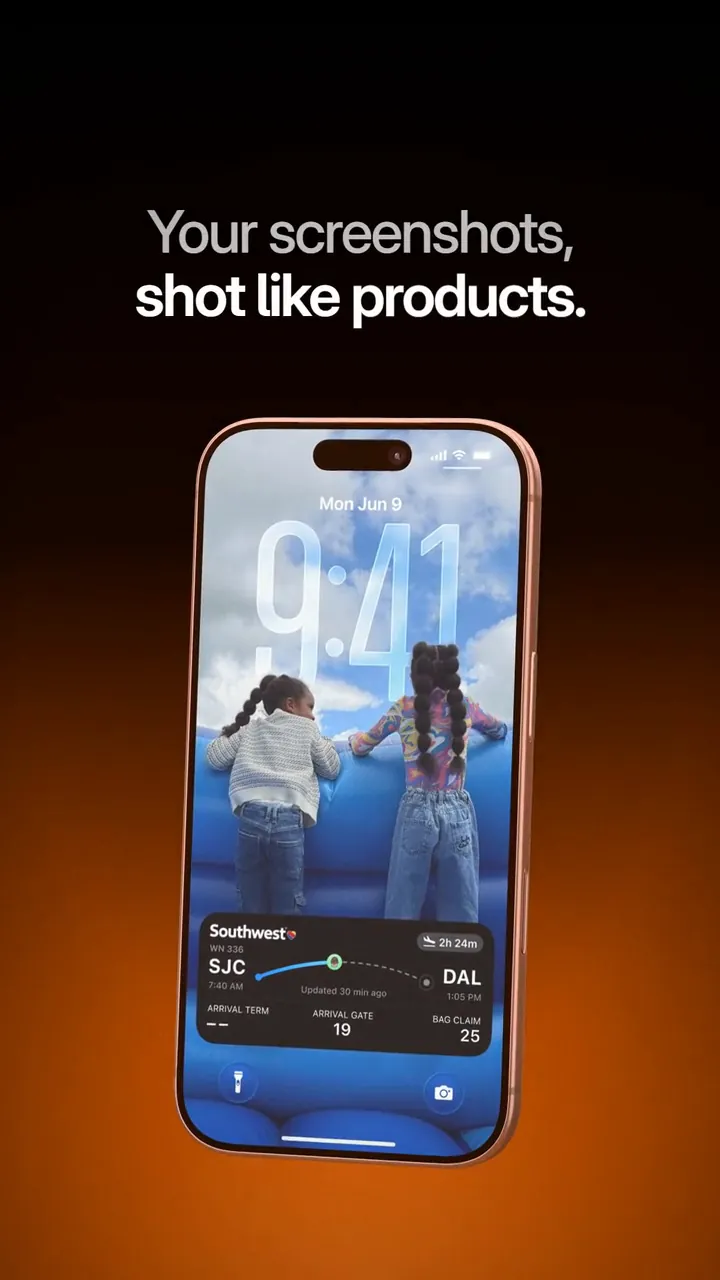
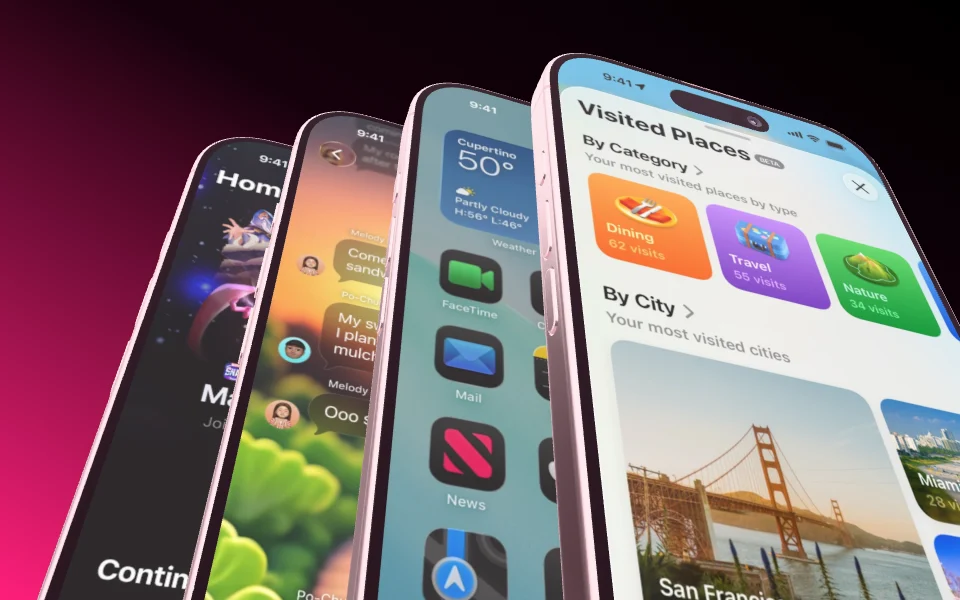
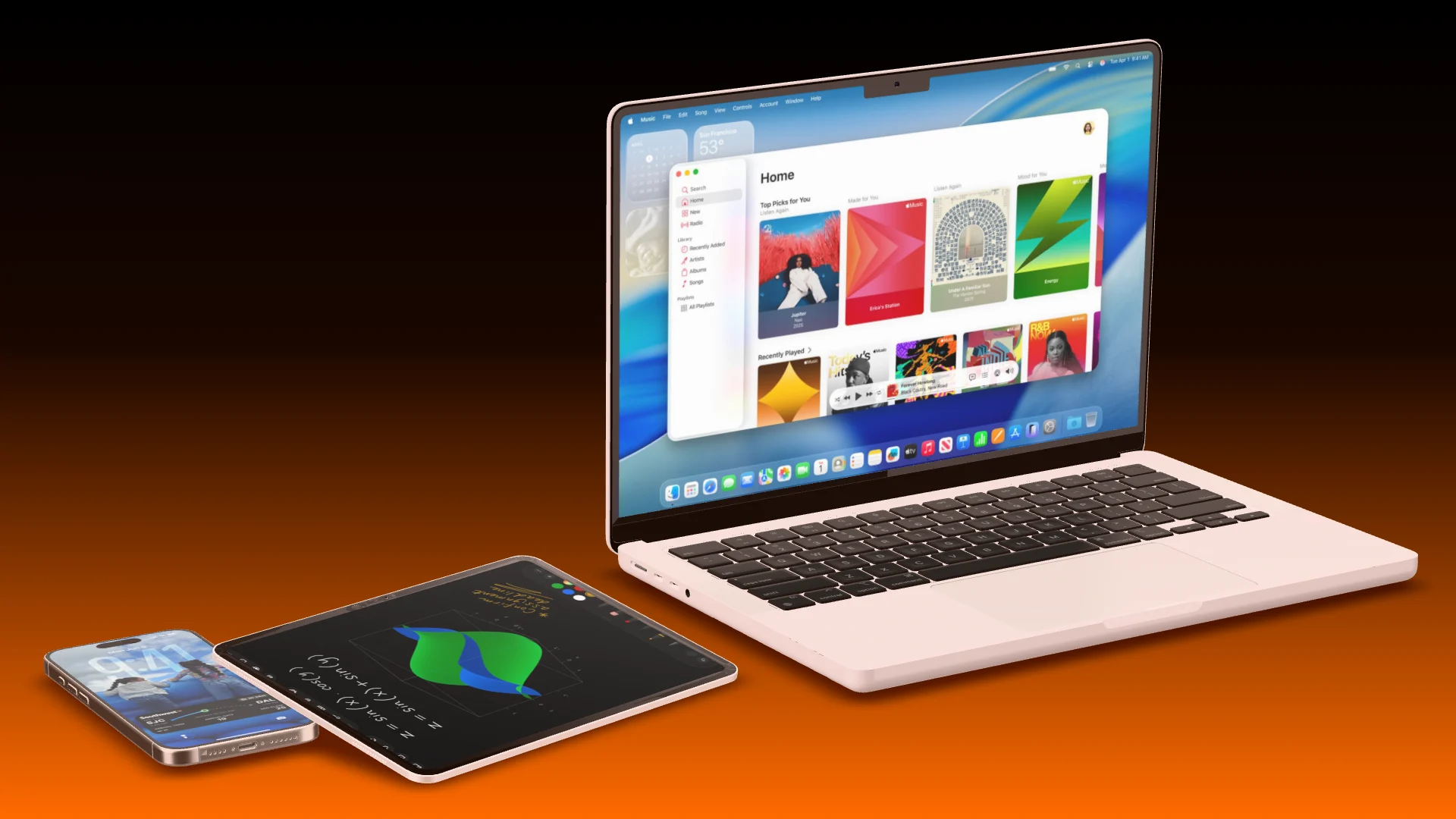
Create a set, drop in your screenshots and write the headlines. Showoff puts one big phone into every image, adds one highlight across two images and exports every size for the App Store and Google Play as one ZIP.
Up to ten images on one stage, one highlight across two
Headlines in several languages, one folder per language
Sets for iPhone, iPad, Mac and Google Play
Auto motion
Mark what matters. The camera does the rest.
Draw a few areas on the display, and Showoff turns them into a camera move with real perspective, from one area to the next. The same scene becomes a video without a single keyframe.
Areas drawn straight onto the screen
Real 3D perspective, not a panned picture
Roll again for a different move over the same areas
Pair your phoneSoon
Your phone becomes the remote.
Scan the code from the editor with the Showoff app. Your phone’s screen streams live onto the device in the scene, and when you turn the phone in your hand, the device on stage turns with it.
Live screen, or a screenshot at full resolution
The device follows your hand
Paired in seconds with a code
Phone pairedPixel 11 ProLive
Move your mouse
Works with the AI you already use.
Showoff is an MCP server. Any AI that speaks MCP can run it, and all it needs is the address.
Your AI works in Showoff the way you do. It creates projects, puts screenshots on devices, sets camera and background, highlights details and builds whole App Store sets. Before anything is saved, Showoff checks the picture like an art director.
App Store images, website mockups and launch videos, all through the same connection
Watch live what your AI is working on, and bring back any earlier version
Make me an App Store image with three iPhones and these screenshots.
3 screenshots
Project created
Screenshots uploaded
Three iPhone 17 fanned out
Picture checked, all good
Done: three iPhone 17, fanned out, with your screenshots. The project is waiting in your editor.
Your AI works right in your projects. Watch every step, and take over whenever you like.
showoff.dev
My projects
Today
Creating an App Store set
Creating an App Store set
Writing text
Sample · App Store set in two languages
Image · just now·
Claude Code
Highlighting a detail
Highlighting a detail
Checking the picture
Sample · Highlight a detail
Image · just now·
Codex
Launch video
Building the launch video
Building the launch video
Recutting the launch video
Showoff · Trailer
Launch video · just now·
Cursor
Template · Fan Deck
Image · 12 min ago·You
Template · Studio Desk
Image · 2 hr ago·You
Film
Template · Lid Open
Film · today, 9:40 AM·You
Launch videos
Your launch, as a film. Cut to your song.
Hand your AI a few screenshots and a song. It builds a launch video in which the device lands on the drop and the camera glides from shot to shot without a single cut.
Launch videos come from your AI via MCP: part of Pro, and free to try for 3 days.
0:00
0:00
Turn it yourself Every device is a real 3D model
Drag to turn
What sets Showoff apart More than a frame around your screenshot
Live
Phone paired
Pixel 11 Pro
Transmit screenTake over
Your phone, live in the scene
Soon
Pair your phone with a code. Its screen streams straight onto the device in the mockup, and turning your phone turns the device on stage.
your-app.com
Record screenTab, window or screen
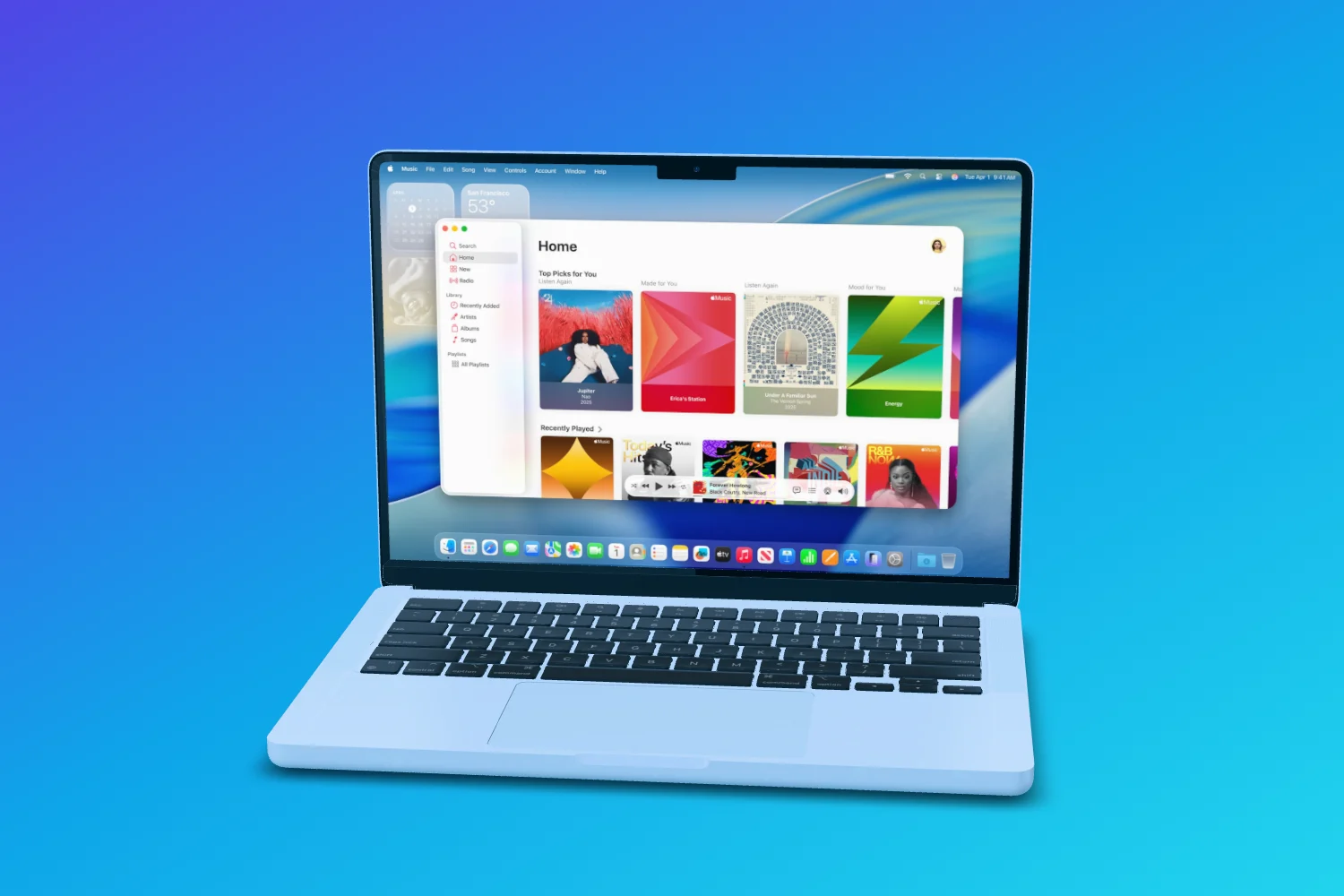
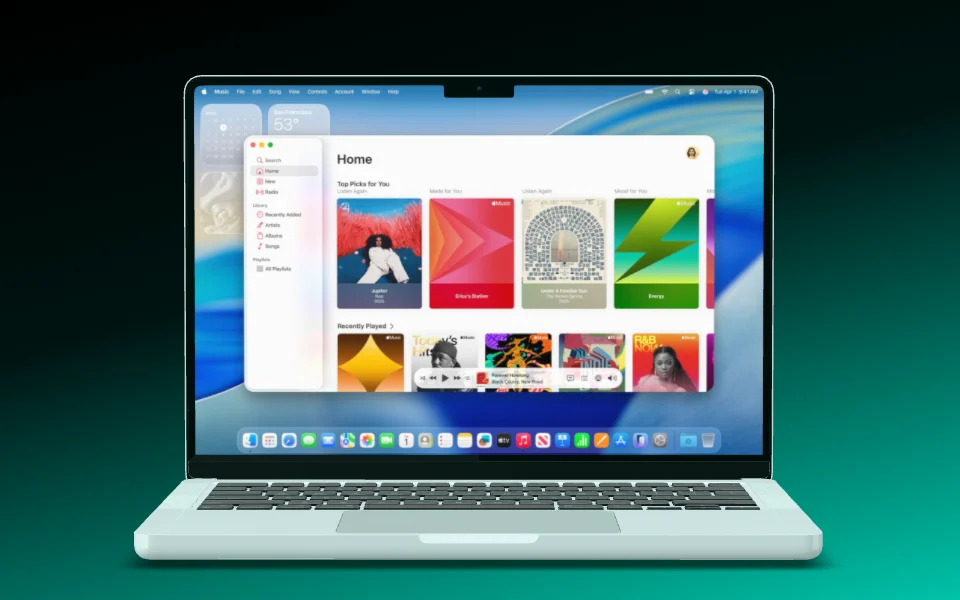
Websites on the MacBook
A screenshot of your website keeps its full width and starts at the top, under a menu bar like on a real Mac. Or record a browser tab straight into the scene.
Auto motion
Roll again
A camera move you draw
Mark the areas the camera should visit, and Showoff flies through them like a camera operator. Don’t like the result? Roll again.
Motion blur180°
ShortNormalLong
Motion blur like a real camera
Pick how long the shutter stays open: short, normal or long. Showoff calculates every part of the exposure instead of smearing it on afterwards.
Before14:07
After9:41
A clean status bar
9:41, full signal, full battery. It replaces the real status bar on your screenshot, including the red recording pill on Android.
You
Design
Marketing
Everyone in one scene
Work on the same scene at the same time. You see who is there, where their cursor is and what is changing, and playback runs for everyone.
And plenty more The details that save you time
Magnet lines
Devices snap to each other’s centers, and the camera centers itself.
Copy motion
Build an entrance once and paste it onto the other devices.
Swap a device
Replace an iPhone with a Pixel without rebuilding the scene.
MacBook lid
Set the opening angle, or let the lid open in the film.
Music with a cut
Put music under the clip and choose which part plays.
Keyboard shortcuts
Move, turn, set down and play without reaching for the mouse.
A 3D mockup editor in the browser. You put screenshots and screen recordings on real device models and export App Store images, launch videos and everything in between.
No. Drag your screenshot onto a device and turn it until you like it, or start from a template. If you want to, you can still adjust everything yourself.
Your AI builds it over MCP from your screenshots and a song: blocks like the hero shot, a chat or a duo, cut to the beat without a single cut. It renders in your browser, as an MP4 in portrait at 1080 × 1920 or in landscape at 1920 × 1080. On Free it renders in 720p, and once a month in full quality.
Yes. Showoff is an MCP server for Claude, ChatGPT, Cursor and other clients, and every change is checked before it is saved. MCP is part of Pro; on Free you can try it for 3 days.
17 models: current iPhones, Google Pixel and Samsung Galaxy phones, iPad Pro, MacBook Pro, Apple Watch and the Studio Display, many of them in several colors.
In your project, in your organization, on servers in the EU. Exports are rendered in your browser and saved straight to your computer.
Yes. What you export is yours to use: App Store, ads, website, pitch. The screens on it have to be yours, of course.
Free has every device and exports as much as you like in 720p, with no watermark. Pro costs €18 a month, or €12 when paid yearly, and adds 15 full-quality exports a month up to 4K, 60 fps, motion blur and the AI via MCP.